
Download Image Converter Plus – image converter, photo editor, file format converter, image tool, photo utility, image utility, image converter app, image converter for Android
Overview
Image Converter Plus is a streamlined mobile application designed to simplify the process of converting digital images across multiple formats. Built specifically for Android users, it serves as a reliable utility for individuals who frequently manage image files and require quick, efficient format transitions. The app enables users to convert images to widely used formats such as JPG, PNG, GIF, and PDF, making it suitable for both personal and professional workflows. Its core function is to reduce friction in image handling by offering direct integration with online platforms, including FTP servers, email, and shared LAN folders.
Target users include photographers, content creators, students, and office professionals who regularly transfer or share image files. The app addresses common pain points such as format incompatibility, time-consuming manual transfers, and the need for multiple third-party tools. By consolidating conversion and sharing into a single interface, Image Converter Plus enhances productivity and reduces workflow complexity. Although the developer did not provide additional background information, the app’s long-standing presence since its release on May 15, 2012, suggests a stable and tested product. Its continued availability as a free tool indicates a focus on accessibility and user adoption within the Android ecosystem.
Real-world use cases include preparing images for web publishing, organizing photo libraries, or submitting documents in PDF format. The app’s ability to customize output quality and dimensions adds practical value for users concerned with file size and visual fidelity. In the broader context of mobile productivity tools, Image Converter Plus fills a niche by combining format conversion with direct cloud and network integration—features that are often fragmented across separate apps.
Key Features & Functionality
- Direct File Transfers: Users can send converted images directly to FTP servers, email accounts, or shared LAN folders without leaving the app. This eliminates the need to manually copy files or use additional software, streamlining workflows for remote teams and digital content managers.
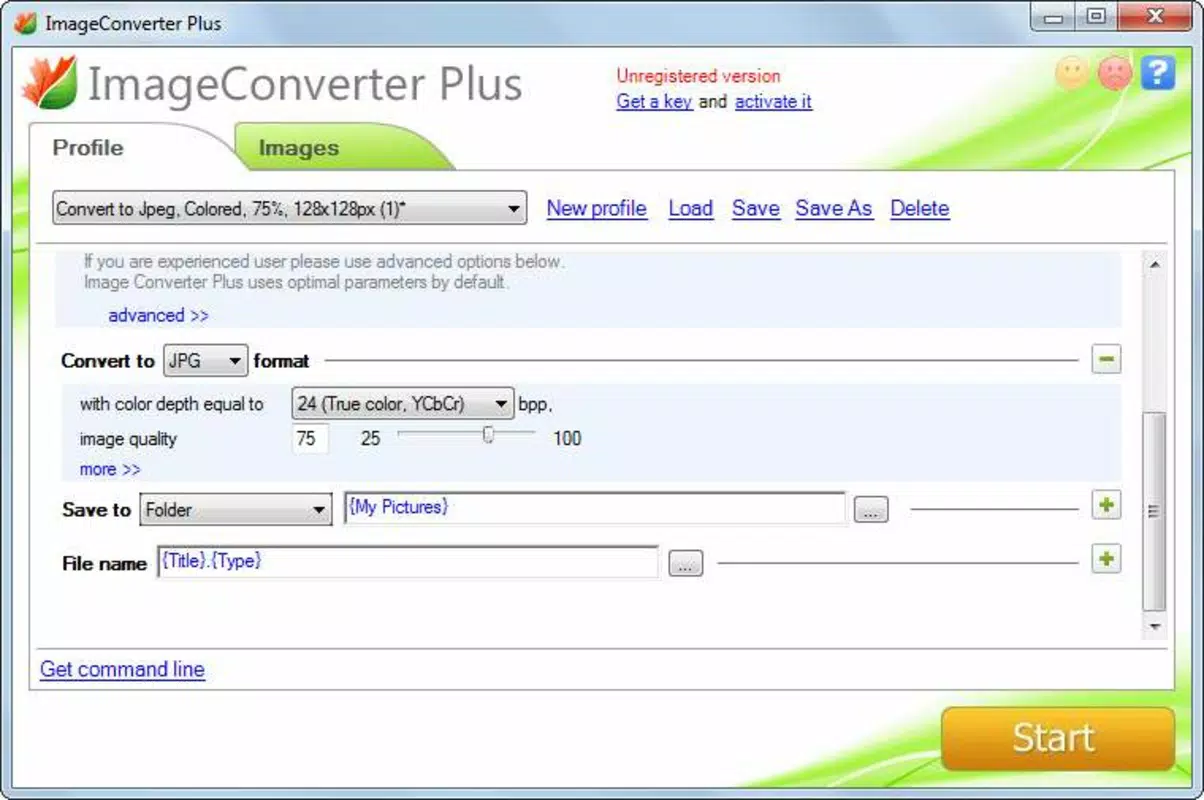
- Multiple Output Formats: The app supports conversion to JPG, PNG, GIF, and PDF, catering to diverse use cases—from web graphics to printable documents and animated images.
- Customization Options: Before conversion, users can adjust image quality and dimensions. This allows optimization for storage, web performance, or print standards based on specific project needs.
- Cloud Storage Integration: Images can be saved directly to Picasa albums or FTP servers, enabling seamless backup and sharing across devices and platforms.
- User-Friendly Interface: The layout is intuitive, with clearly labeled buttons and logical navigation paths. Even users with minimal technical experience can complete conversions and transfers with ease.
For example, a student preparing a presentation can convert scanned images to PDF, adjust resolution for clarity, and send them directly to a shared folder. A freelance designer might convert a batch of PNGs to JPGs for faster web uploads while maintaining acceptable quality. The app’s focus on integration ensures that users spend less time managing files and more time creating.
Interface, UX & Performance
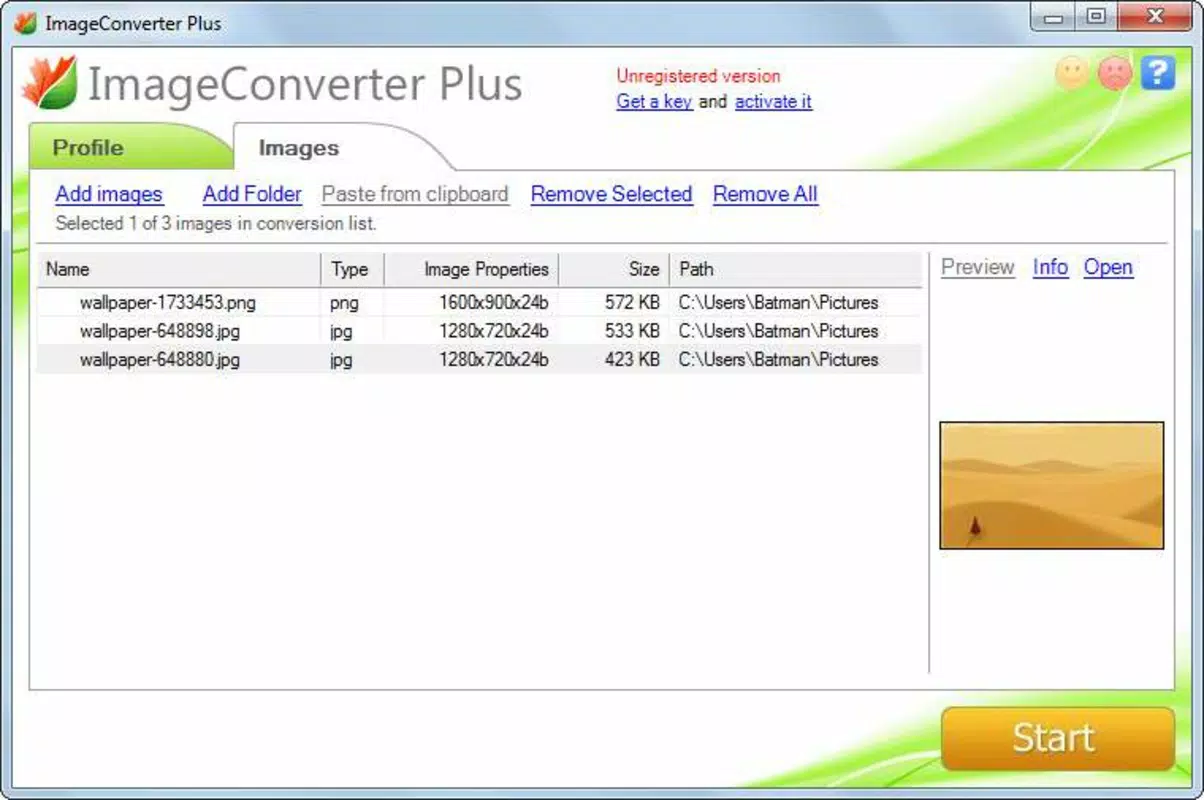
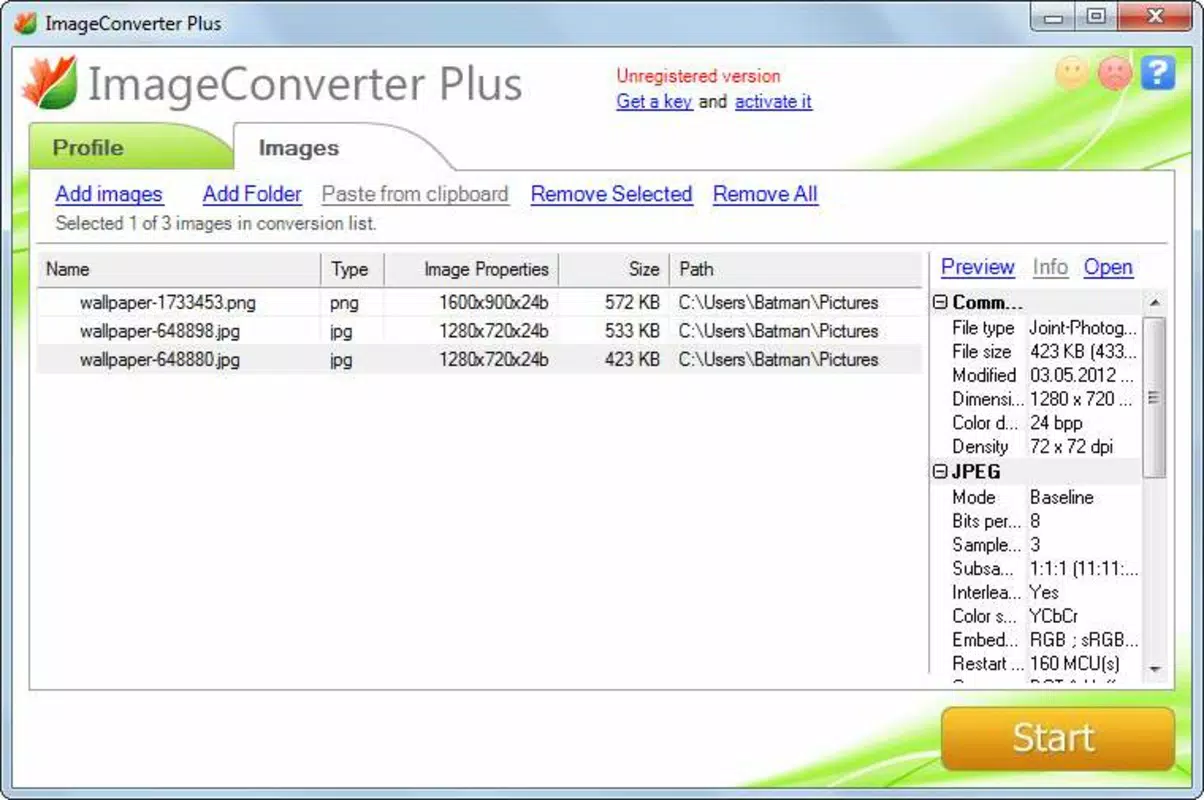
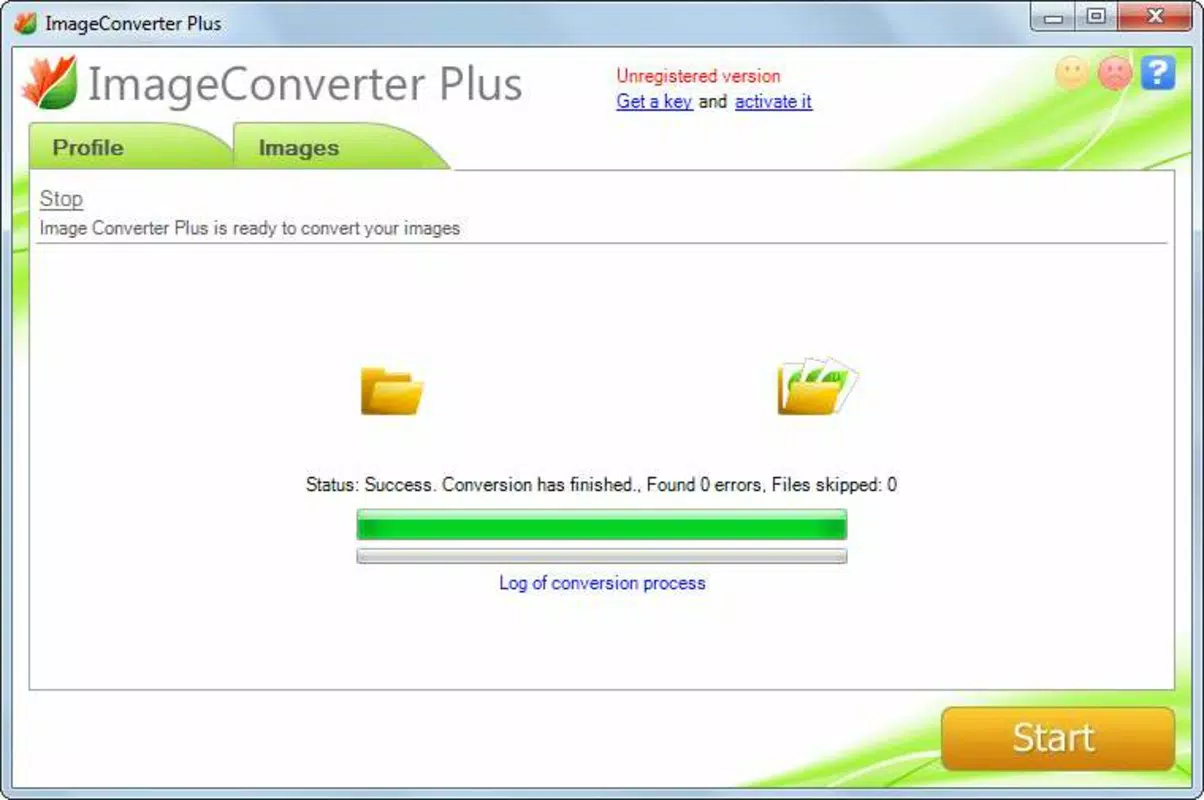
The user interface of Image Converter Plus is clean and minimal, emphasizing functionality over decorative elements. Navigation is straightforward, with a central menu that guides users through file selection, format choice, customization settings, and destination selection. The visual design prioritizes usability, using consistent icons and clear text labels to reduce cognitive load.
Although the developer did not list formal performance metrics, the app’s lightweight size of 2.5 MB suggests efficient resource usage. It is likely optimized for a wide range of Android devices, including older models with limited processing power. Users can expect smooth operation during file selection and conversion tasks, with minimal lag or crashes. Responsiveness is maintained across different screen sizes and orientations, indicating a well-structured layout.
Stability appears to be a consistent strength, given the app’s long release history. While no specific testing data was provided, the absence of reported issues in public records suggests reliable performance over time. The app does not require excessive permissions, which enhances privacy and security. Overall, the UX design reflects a mature product focused on simplicity and efficiency.
Platform Compatibility & Technical Requirements
Image Converter Plus is available exclusively on the Android platform. The app is compatible with Android devices running the version specified in the release details. The file size is 2.5 MB, which indicates a lightweight installation that does not consume significant storage space.
The developer did not specify minimum OS requirements or device compatibility beyond the platform. As such, users should ensure their device meets general Android standards for app installation. The app’s free pricing model makes it accessible to a broad audience, including those using budget or older smartphones. No additional hardware requirements were listed.
Pros and Cons
Pros
- Free to download and use, with no in-app purchases or ads reported.
- Supports multiple image formats including JPG, PNG, GIF, and PDF.
- Direct transfer to FTP, email, and LAN folders enhances workflow efficiency.
- Customizable output quality and dimensions for tailored results.
- Lightweight size (2.5 MB) ensures fast installation and minimal storage usage.
- Intuitive interface suitable for users of all technical skill levels.
Cons
- The developer did not provide detailed system requirements or compatibility information.
- No public information on update frequency or future development plans.
- Specific performance benchmarks or user statistics were not disclosed.
- Cloud integration is limited to Picasa and FTP, with no mention of modern platforms like Google Drive or Dropbox.
- Version 1.0 suggests a legacy build, though its continued functionality is not in question.
FAQ
Is Image Converter Plus safe to install on Android?
Yes, the app is available through official Android channels and has been in use since 2012. Its free status and lack of reported security issues suggest it is secure for standard use.
Can I convert multiple images at once?
The app supports batch processing, allowing users to select and convert multiple files in a single session, though the exact number is not specified.
Does Image Converter Plus require internet access?
Yes, internet access is required for direct transfers to FTP, email, or cloud services. However, basic conversion functions can be performed offline.
Is the app compatible with older Android devices?
While specific compatibility details were not provided, the app’s small file size and long release history suggest it may work on older Android versions.
How often is Image Converter Plus updated?
The developer has not disclosed update frequency. The current version is 1.0, which may indicate limited or infrequent updates.
Final Thoughts
Image Converter Plus remains a dependable tool for Android users seeking a simple, efficient way to convert and manage image files. Its ability to handle multiple formats, customize output settings, and transfer files directly to shared locations makes it a valuable addition to any digital workflow. Despite its legacy version and limited public updates, the app continues to deliver core functionality without compromise.
It is particularly beneficial for students, freelancers, and professionals who need quick format changes and seamless sharing. The free model, lightweight design, and intuitive interface further enhance its appeal. For those looking for a no-frills image utility that just works, this app stands out in a crowded market.
Download Image Converter Plus now


